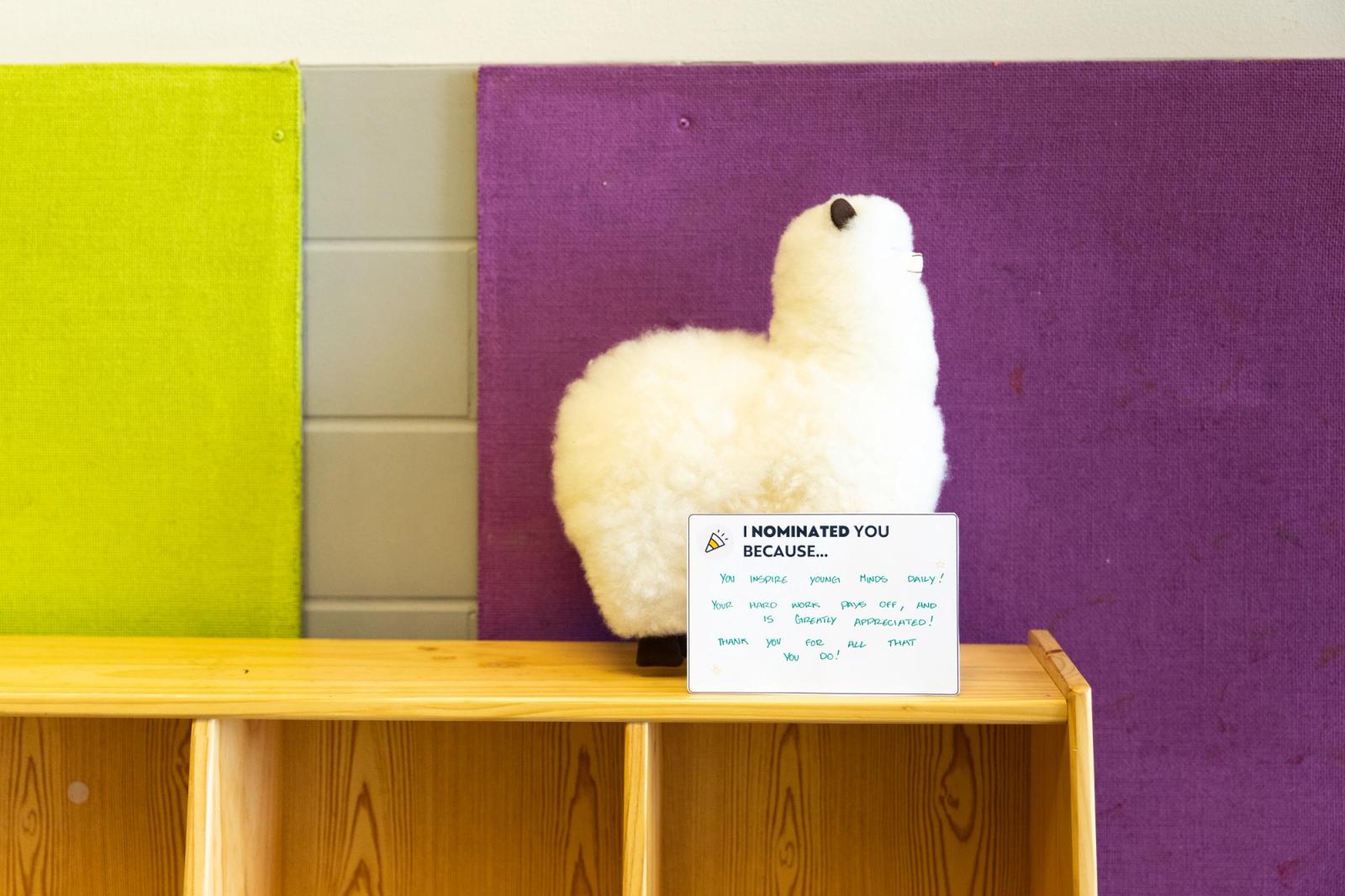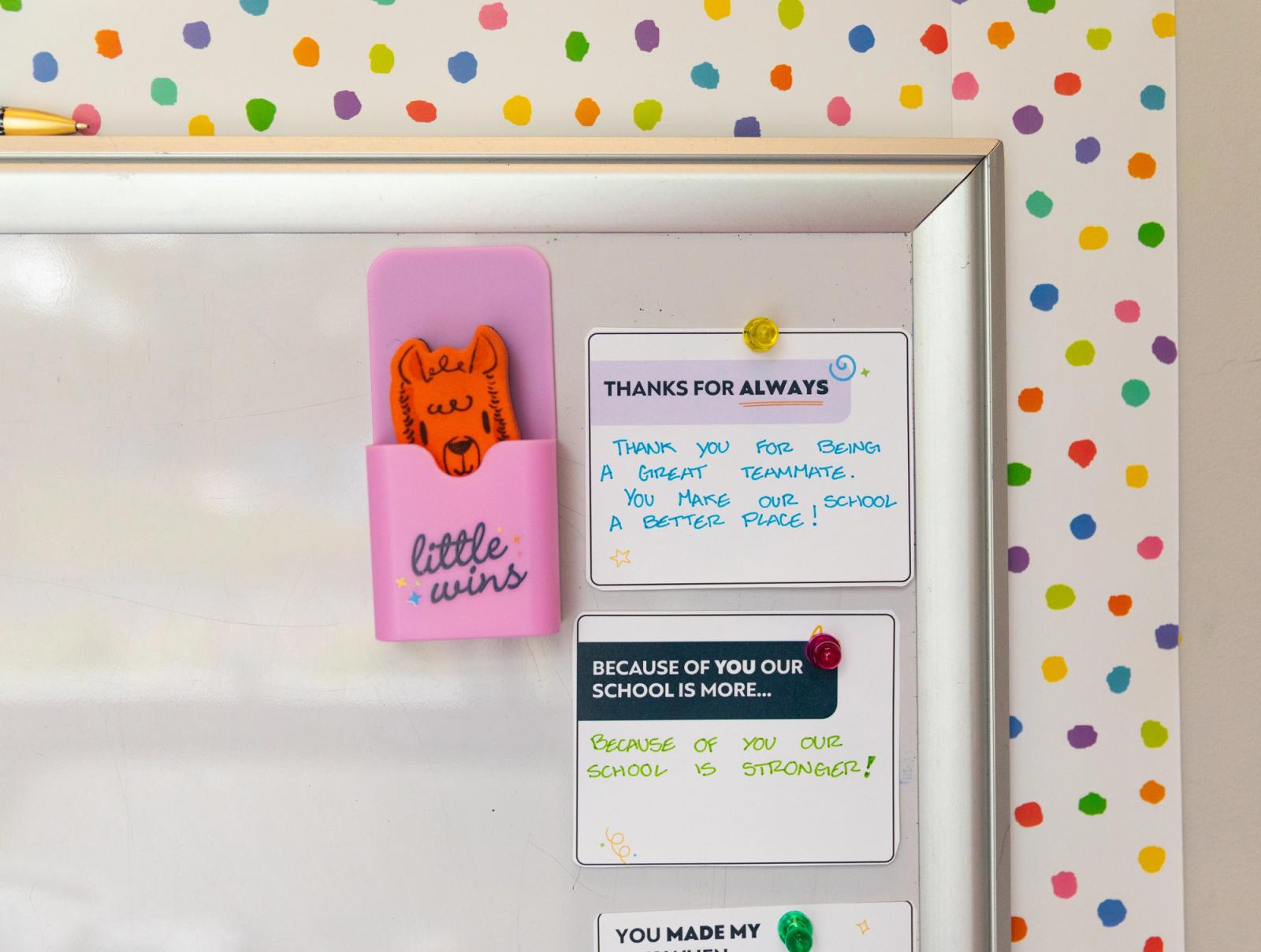
Staff Shoutouts to Boost Morale
A set of six sentence-starter cards for quick, specific recognition.
1-2 min per card
A simple guide to recognizing staff on your school's social media pages.
A simple guide to recognizing staff on your school's social media pages. Pick a staff member, snap a photo or grab a graphic, write a short caption, and post. This resource gives you caption starters, post themes, and spotlight title ideas to make it easy to do consistently.
Why try it
Public recognition on social media is fast, free, and visible to your whole school community. Naming a staff member and saying something specific is a great way to celebrate them, highlight all they do, and give families a fun glimpse into your building.
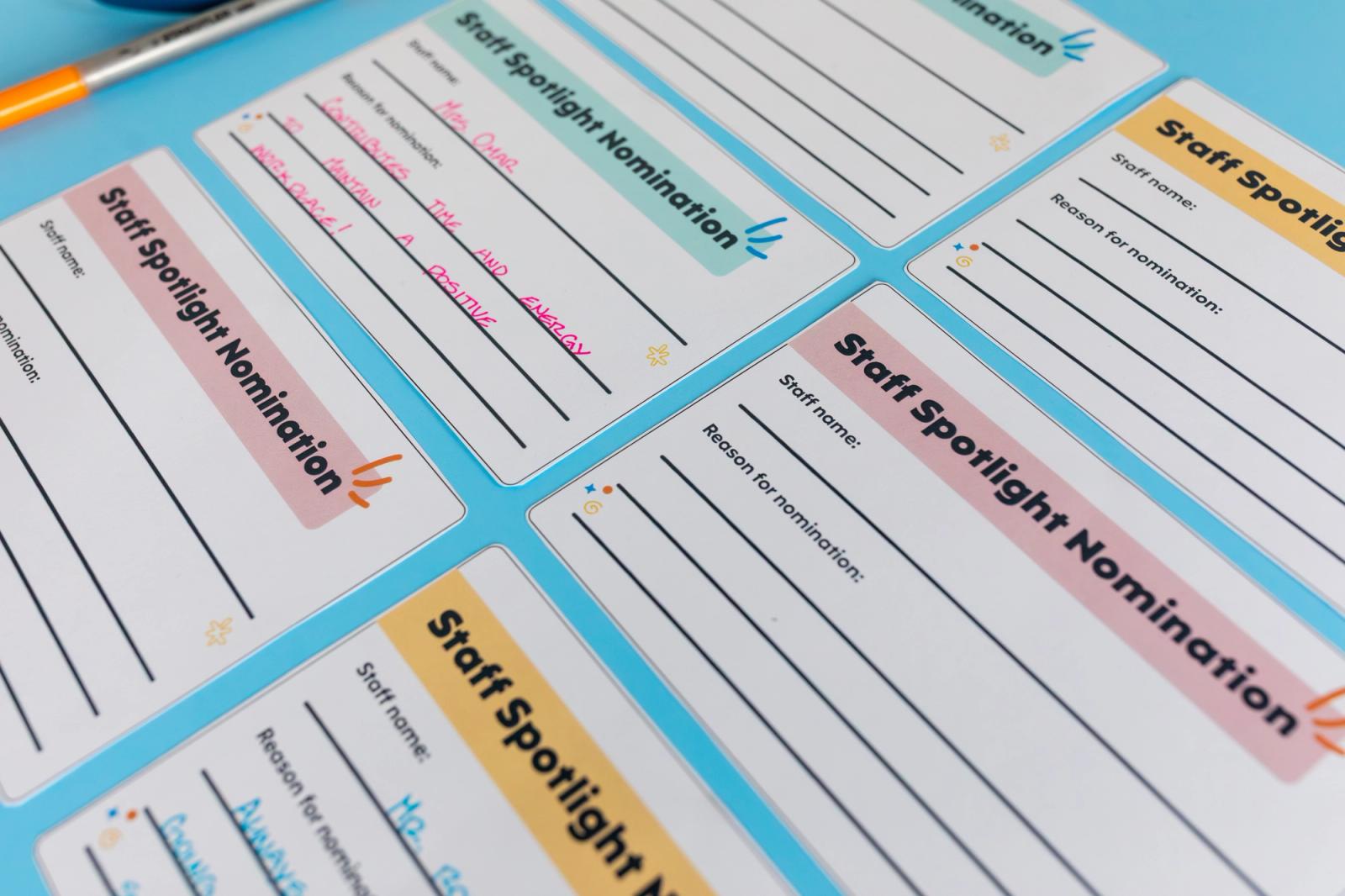
Browse the printables included with this resource.
Instructions
Choose who to feature
Start with birthdays, work anniversaries, or a recent contribution you noticed. Over time, rotate through all roles: teachers, aides, office staff, custodians, and anyone else who keeps your building running. Use the "High-Five Highlight" titles in the printables to match the recognition to the moment.
Get a photo or graphic
Take a quick candid or posed photo, or use a Canva template with your school logo if a photo is not available. Consistent visuals help your posts stand out.
Write a short caption
Keep it personal and specific. Name what the staff member did, keep it celebratory and positive. Add one or two relevant hashtags (like #StaffSpotlight or #SchoolPride) and tag the staff member if they are comfortable being tagged. Check out the sample captions printable for ideas.
Post and plan ahead
Share the post on your school's social media pages and encourage families and students to comment. Then block a few minutes at the start of each month to map out upcoming shoutouts to stay organized.
Activity variations
Adapt to fit your school's vibe, budget, and setting.
Weekly themed posts
Build recognition into a recurring series so staff know when to look for it. Some options: Teacher Tuesday (classroom spotlight), Thankful Thursday (gratitude for a recent contribution), Feature Friday (any role, fun photo and caption), or Hero of the Week (rotate staff each week).
Peer-nominated spotlight
Once a month, invite staff to submit a short nomination for a colleague. Share the winning shoutout on social media and read it aloud at the next staff meeting.
Team features
Shift the spotlight from individuals to groups. Feature a grade-level team, the front office crew, the custodial staff, or any group that pulled off something worth celebrating. Caption it as a "Dream Team" or "Support Squad" post.
Spotlight series
Run a short monthly Q&A with one staff member: two or three questions, a photo, and a caption. It adds variety and gives families a chance to get to know the people in your building.
Go deeper
Additional tips for running this resource.
Leader Tip #1
Use a rotation schedule
Use the printable tracker to log staff names, reasons for the shoutout, and post dates and keep track throughout the month and year.
Leader Tip #2
Match the title to the moment
Use the highlights printable to find titles that fit different staff members, like Quiet Hero (behind-the-scenes hard workers) or Kindness Champion (extra care for students or peers).
Built by Educators, for School Leaders
This resource was created in collaboration with passionate educators and school leaders who believe in the power of intentional connection.
Alissa Christensen
Head of Customer Success
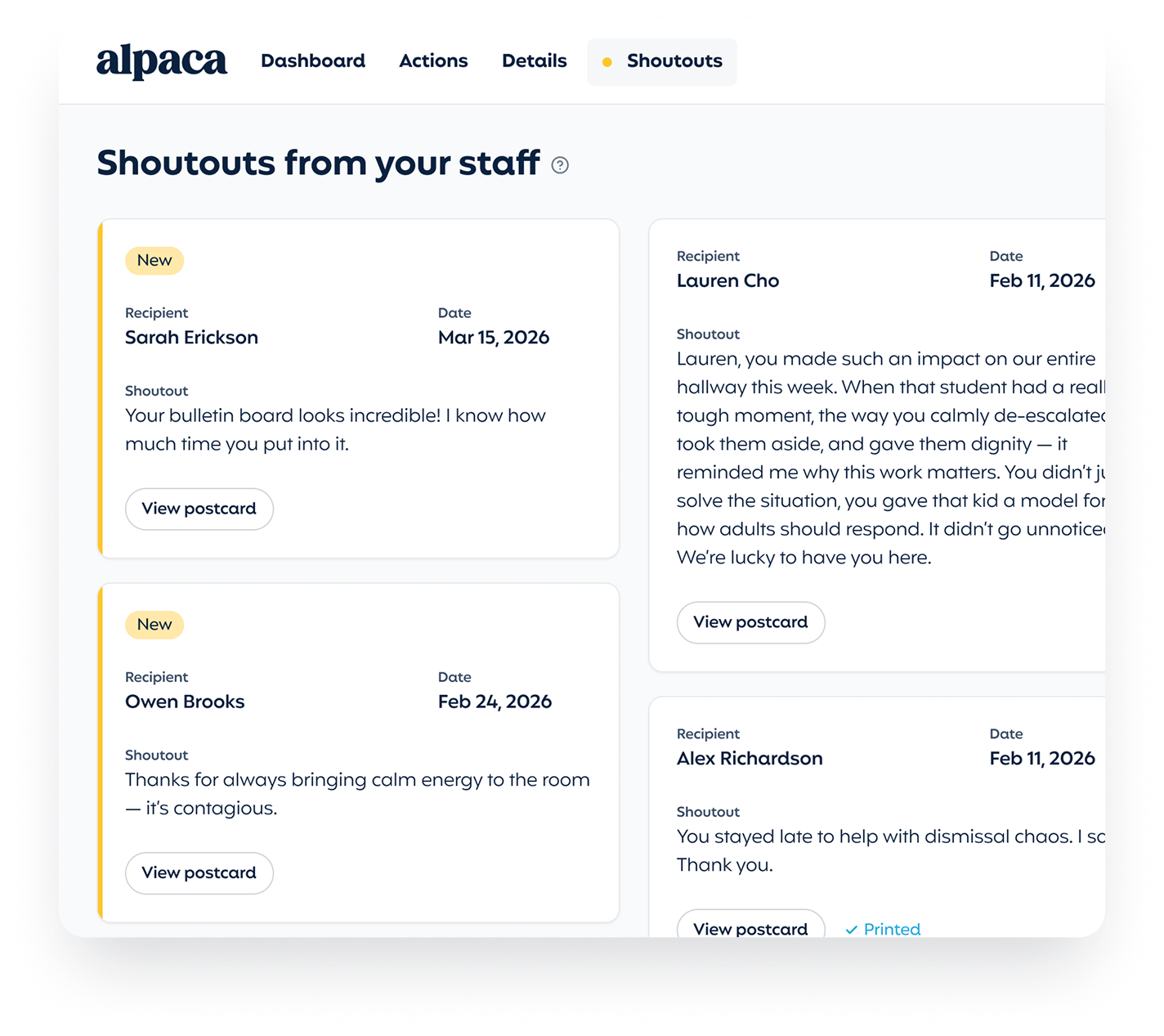
Shoutouts
Give teachers an opportunity to recognize their colleagues and collect them in your dashboard automatically. Easily print and share these encouraging words with your team.
Join 15,000+ school leaders finding their next little win.